A mobile-friendly web directory which lists websites to help them get discovered by users and search engines.

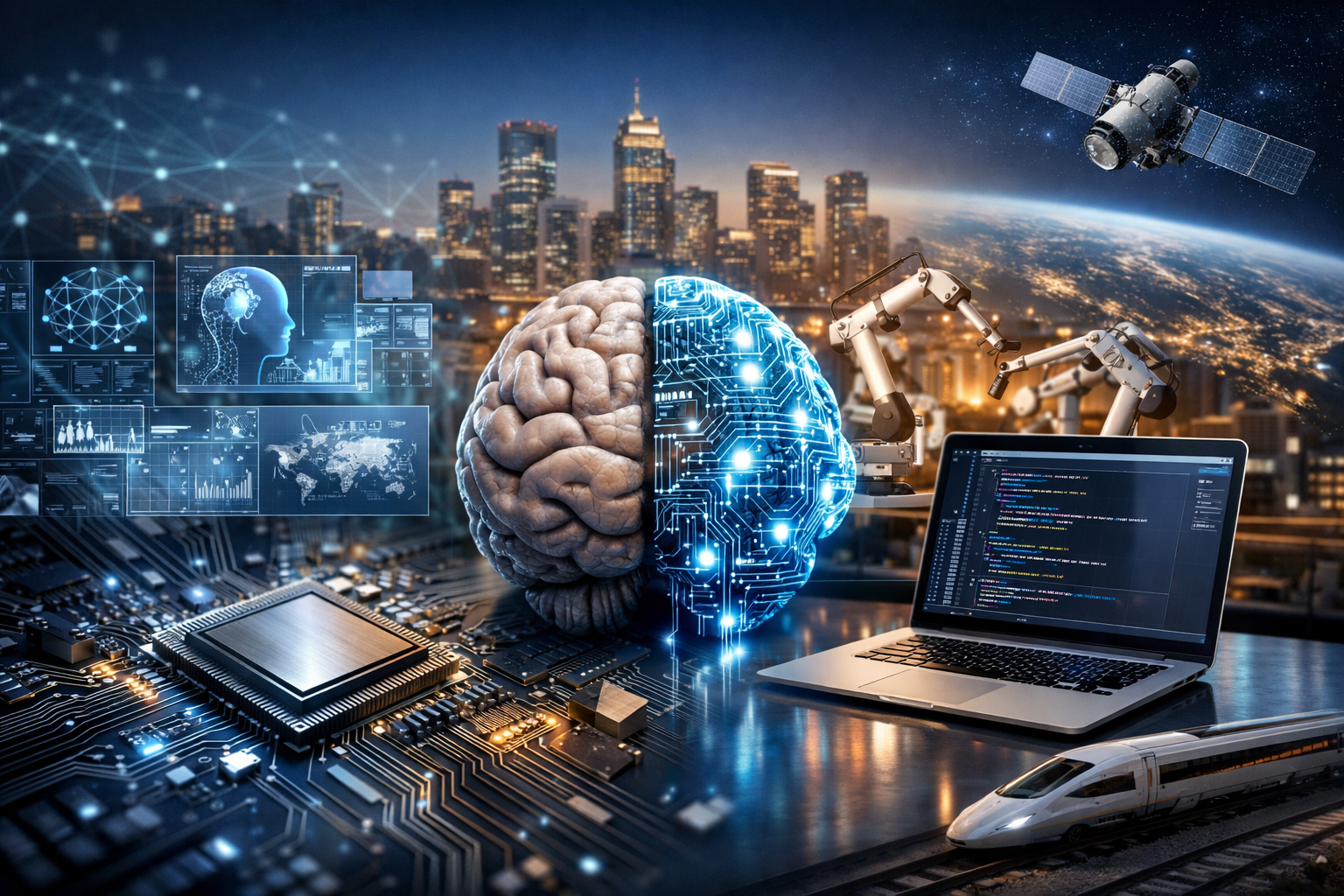
A computer is a programmable device that accepts input, processes data according to instructions, stores information, and produces output. While we often picture laptops or desktops, the term also includes smartphones, game consoles, servers in data centers, and tiny embedded systems inside cars and appliances. What unites them is a common capability: they can run programs—sets of instructions that transform data into meaningful actions, decisions, or results.
Computers excel at repetition, speed, and precision. They can calculate, search, sort, and simulate at scales that are impractical for humans, making them essential tools in business, education, medicine, engineering, entertainment, and communication.
Every computing system is a partnership between hardware (the physical components) and software (the programs and data). Hardware provides the capability to execute operations; software tells the hardware what to do.
Modern computers are modular systems built from specialized components:
Software ranges from the invisible foundations of a system to the apps you use daily:
At the heart of computing is the idea that complex tasks can be broken into simple operations. Computers represent information using binary—patterns of 0s and 1s—because electronic circuits can reliably distinguish two states (such as voltage high/low).
A typical program is executed through a cycle often described as fetch, decode, execute:
These steps happen billions of times per second in modern processors. Meanwhile, the OS schedules multiple programs, giving the illusion that they run simultaneously. On multi-core CPUs, many tasks truly can run in parallel.
Computers come in many shapes and sizes, designed around different constraints such as power usage, cost, speed, and portability:
Computers have transformed how we create, communicate, and make decisions. They enable instant access to information, global collaboration, and automation of repetitive tasks. In business, they support logistics, accounting, design, customer service, and analytics. In science and medicine, computers power imaging systems, genome sequencing, drug discovery, and large-scale research simulations.
Beyond productivity, computers are engines of creativity. They make it possible to produce music, films, games, and digital art with tools that fit on a desk—or in a pocket. They also provide accessibility technologies such as screen readers, speech-to-text, and adaptive input devices that help more people participate in education and work.
A single computer is useful, but connected computers are transformative. Networking allows devices to share data and services, from home Wi-Fi to global internet infrastructure. When you stream a video, send an email, or join a video call, your device communicates with multiple servers—authenticating users, fetching content, and routing packets across networks.
This interconnected environment introduces critical concerns such as privacy, data ownership, and system reliability. The same connectivity that enables convenience also creates pathways for misuse if systems are poorly secured.
As computers handle more sensitive data—financial records, location history, health information—security becomes essential. Threats include malware, phishing, ransomware, and data breaches. Good security is a combination of technology and habits:
Computing continues to evolve along several major directions. Hardware is becoming more energy-efficient and specialized, with accelerators for graphics, artificial intelligence, and encryption. At the same time, cloud computing is making powerful resources available on demand, shifting many workloads from local machines to remote data centers.
New paradigms are also emerging. Edge computing places processing closer to where data is generated, reducing latency for applications like smart factories and autonomous systems. Research into quantum computing explores ways to solve certain classes of problems far more efficiently, though practical, general-purpose quantum machines remain a work in progress.
Ultimately, computers are not just devices—they are infrastructure. Understanding how they work, what they can do, and how to use them responsibly is increasingly important for navigating modern life and shaping the technology-driven future.
